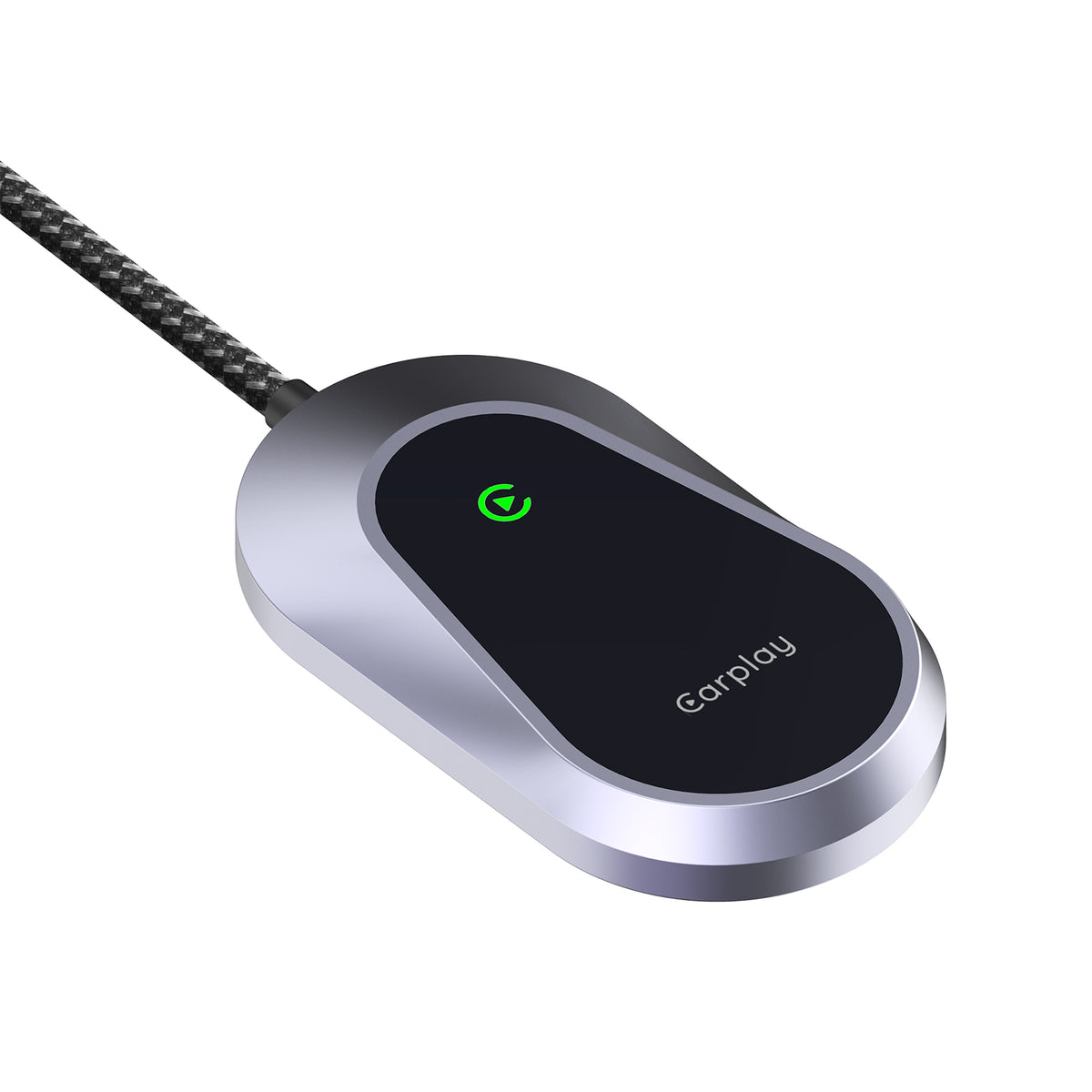
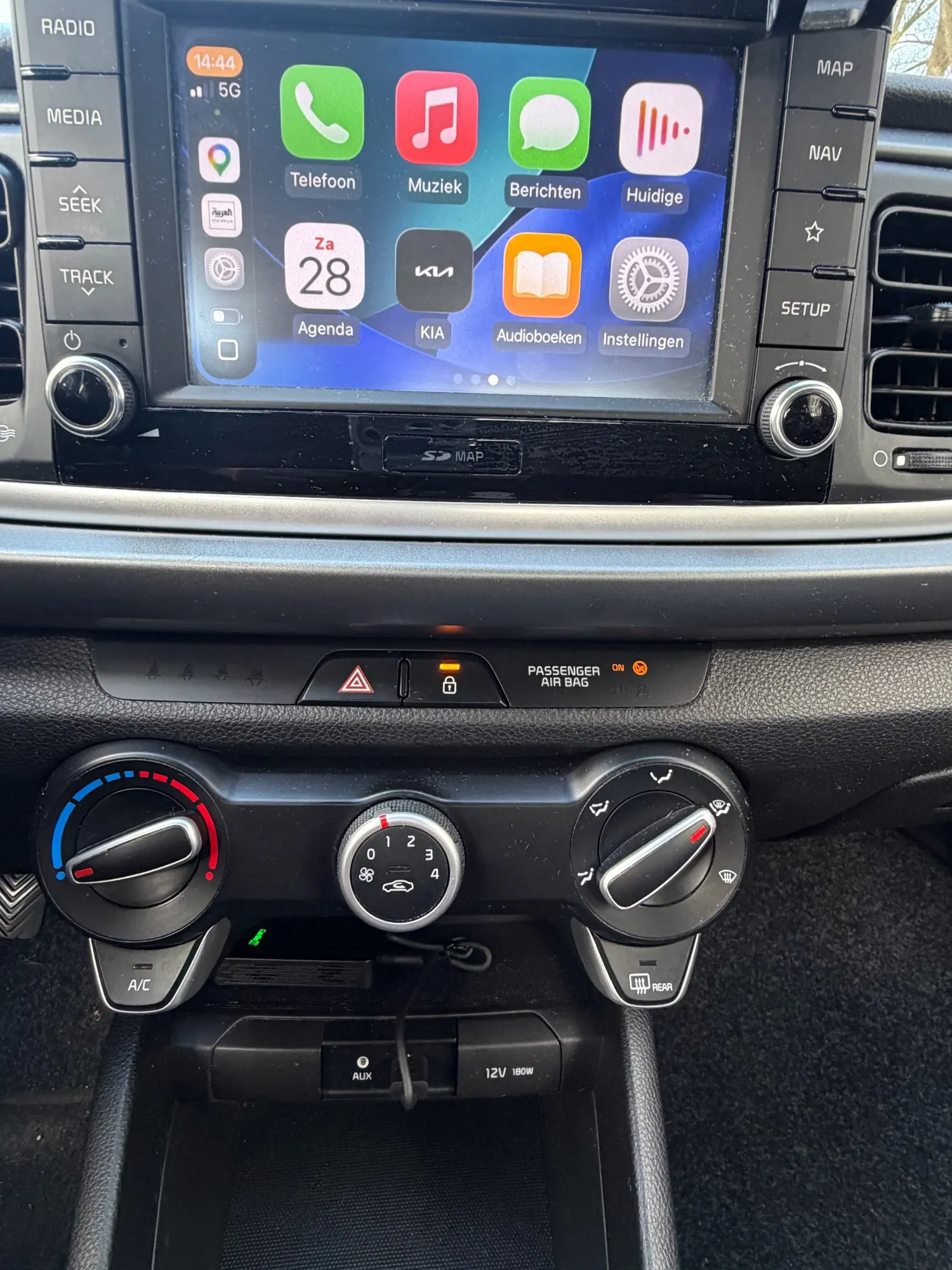
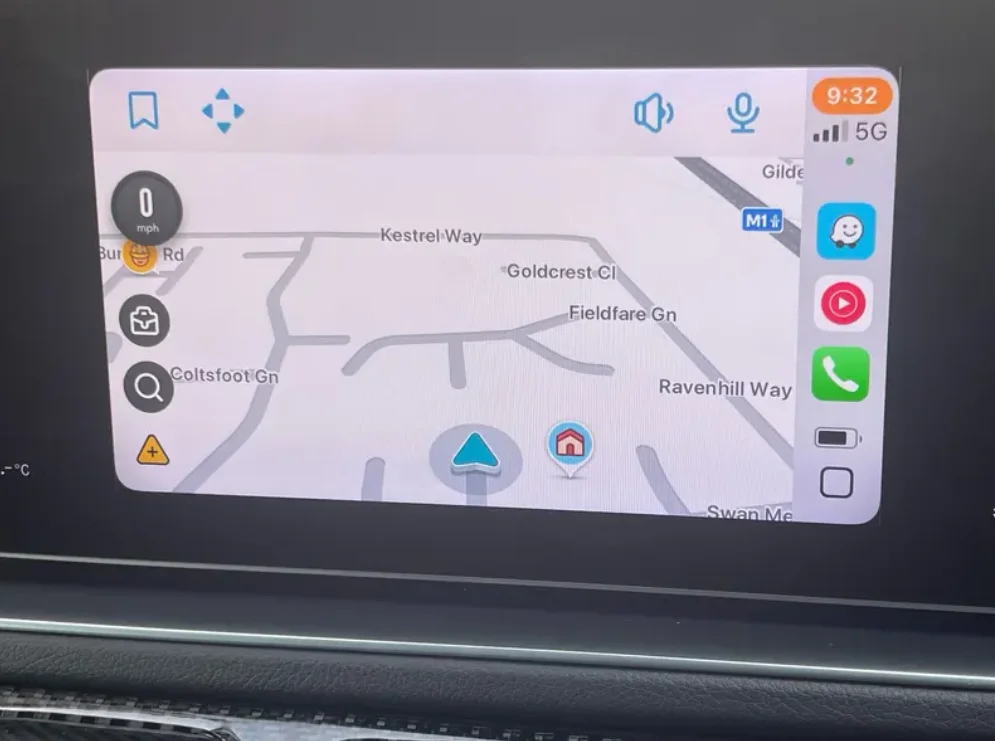
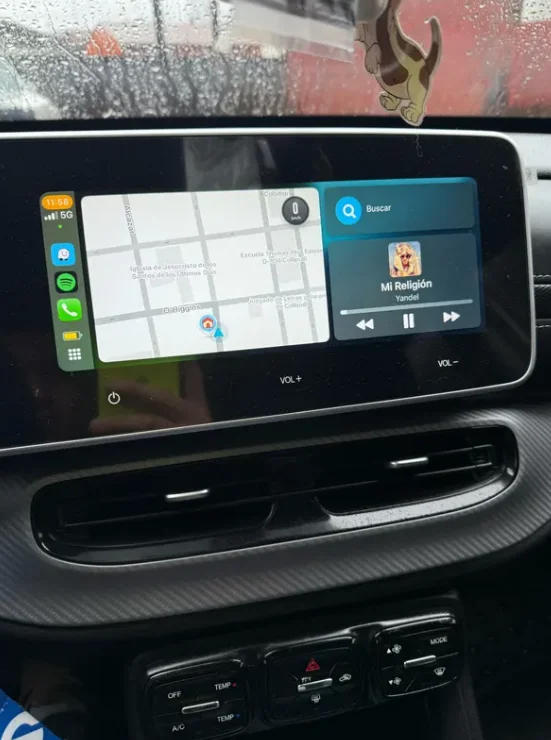
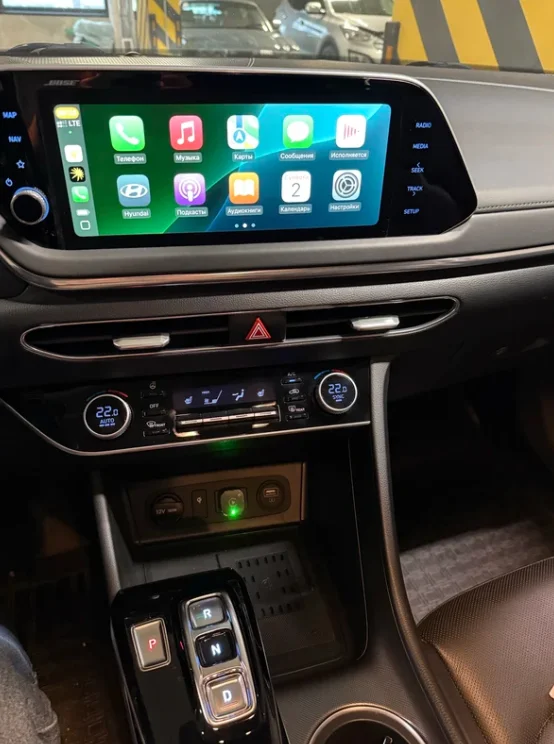
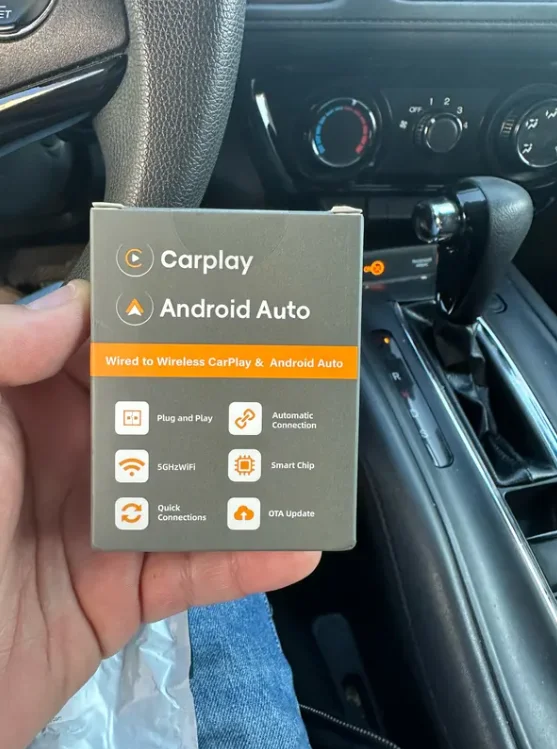
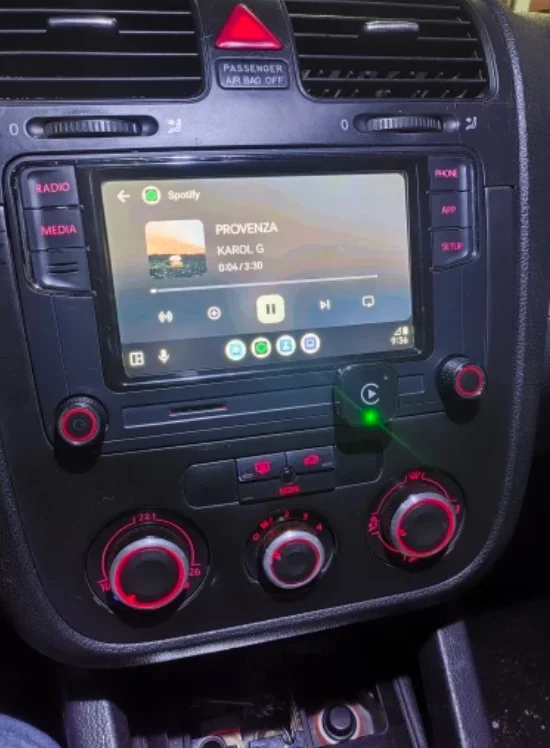
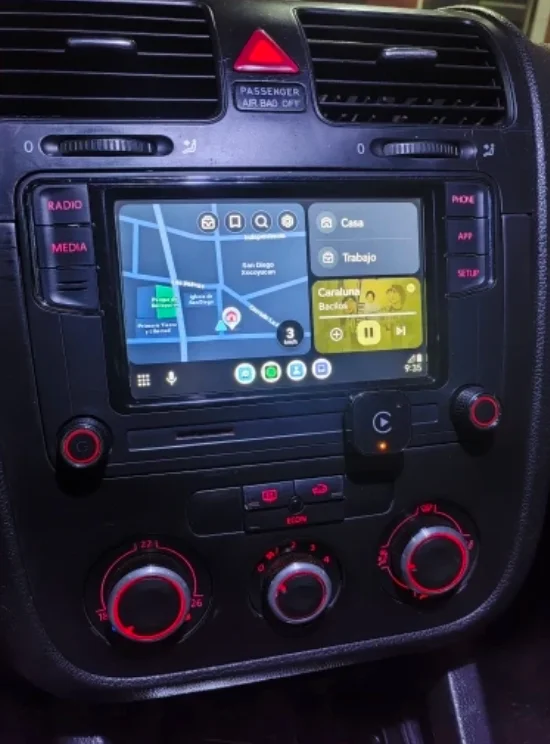
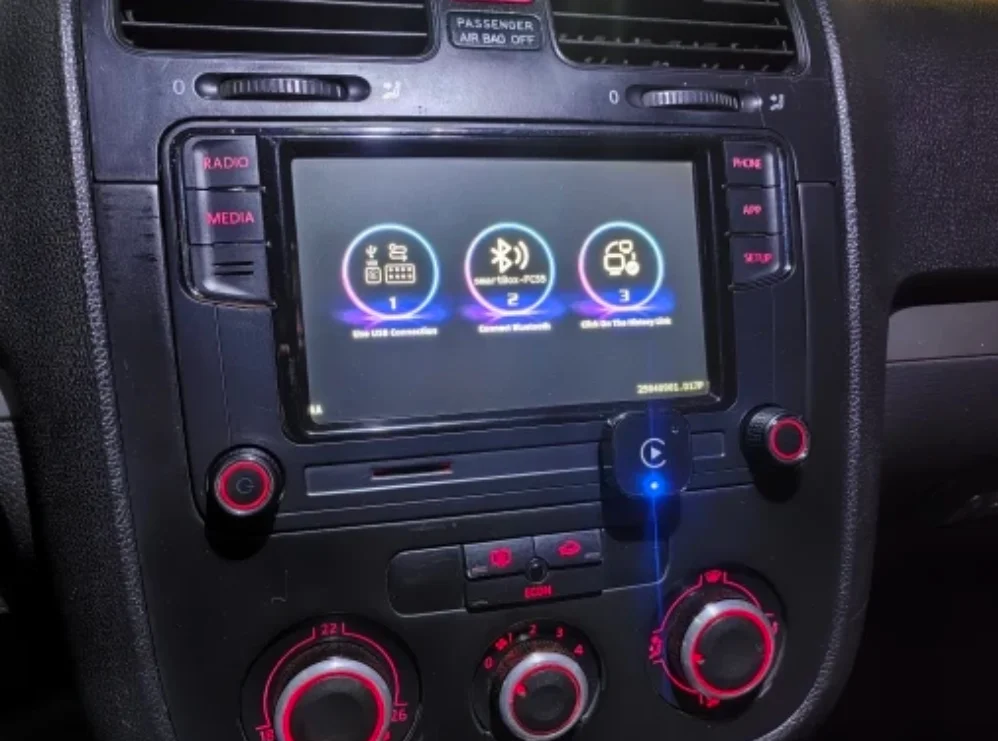
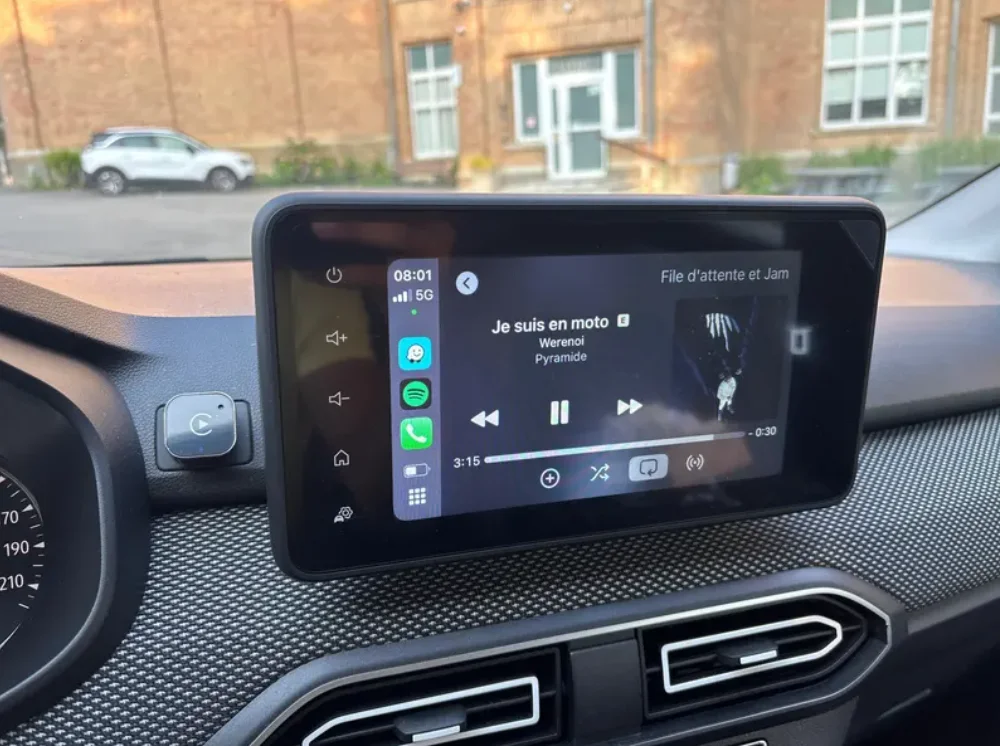
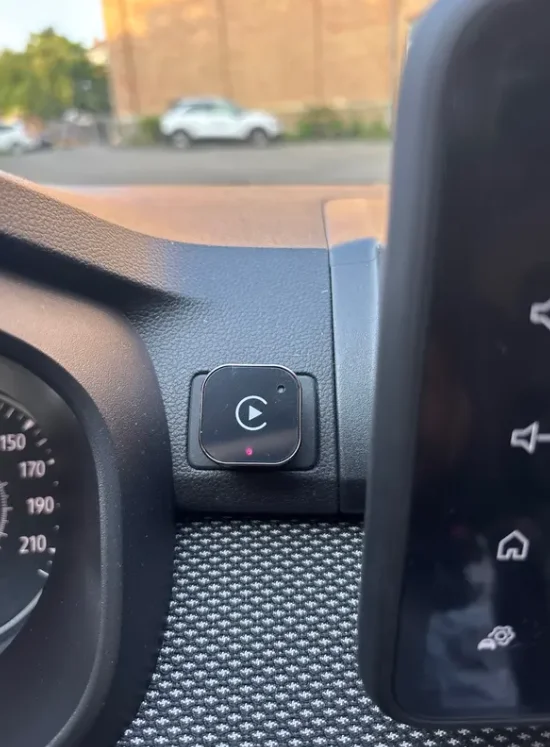
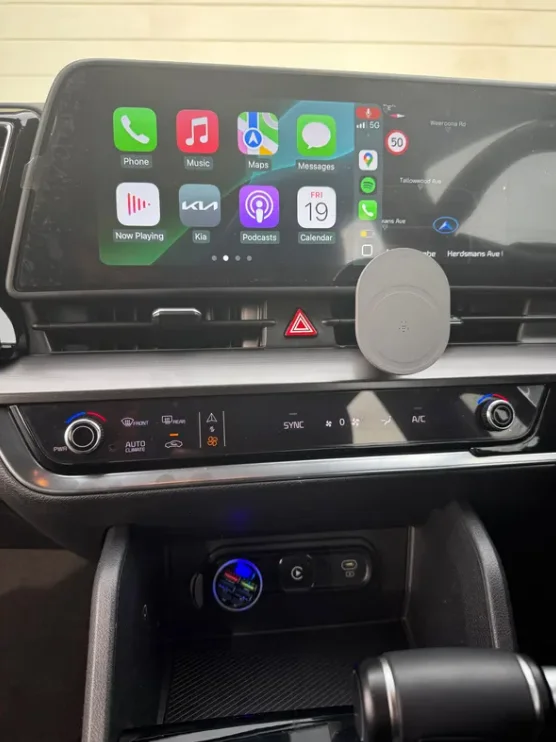
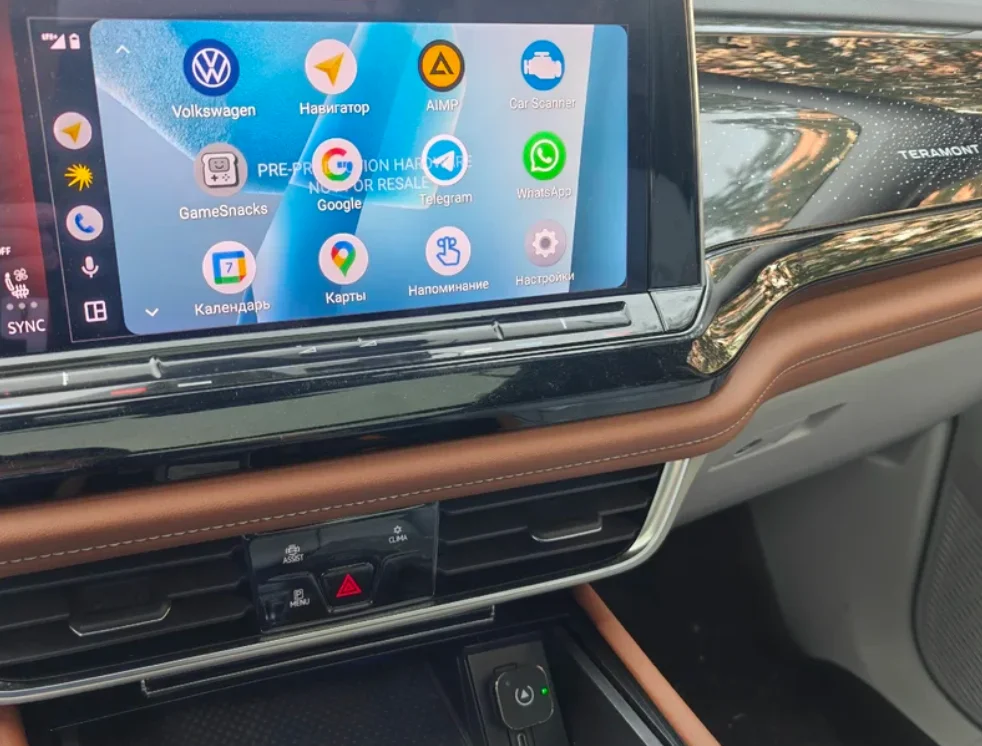
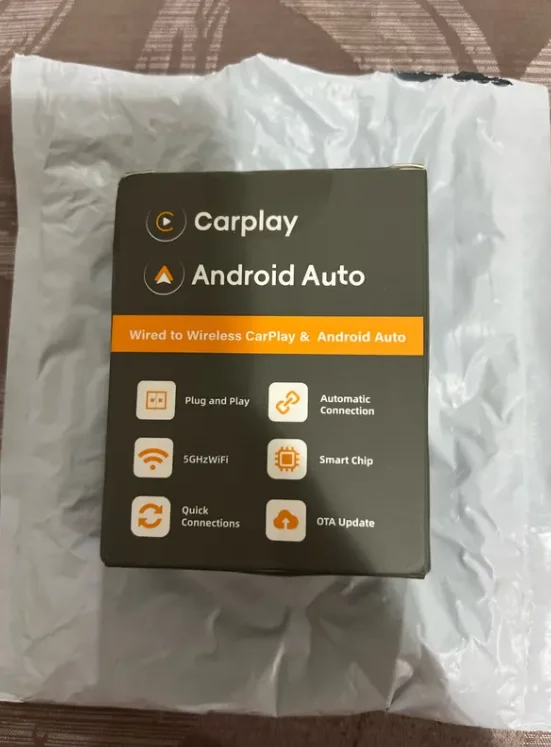
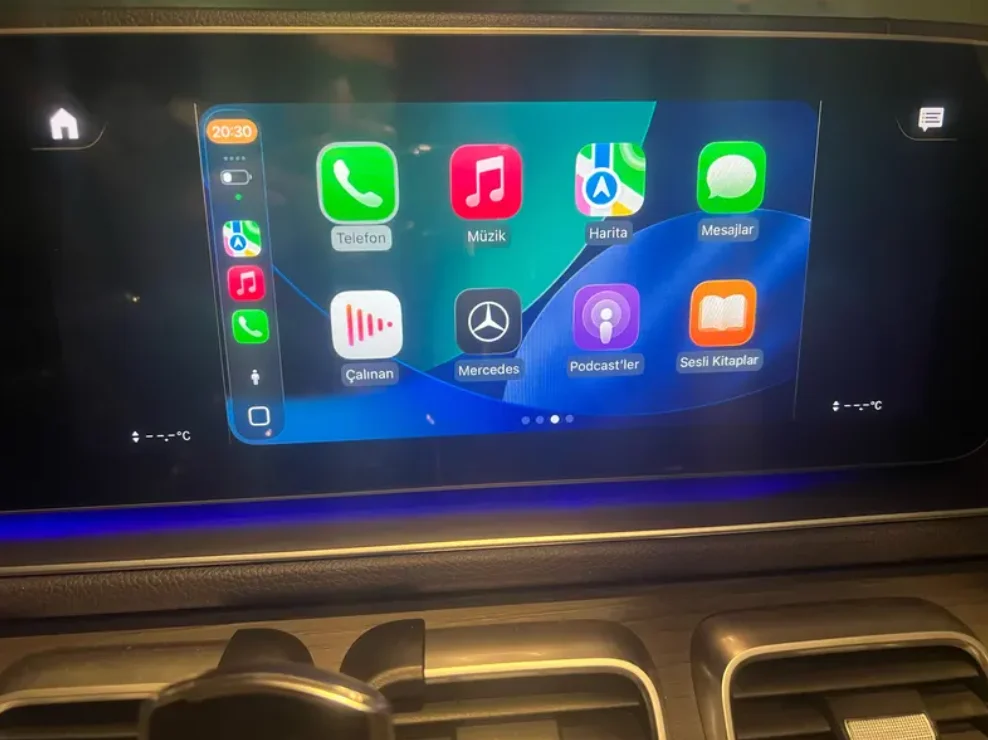
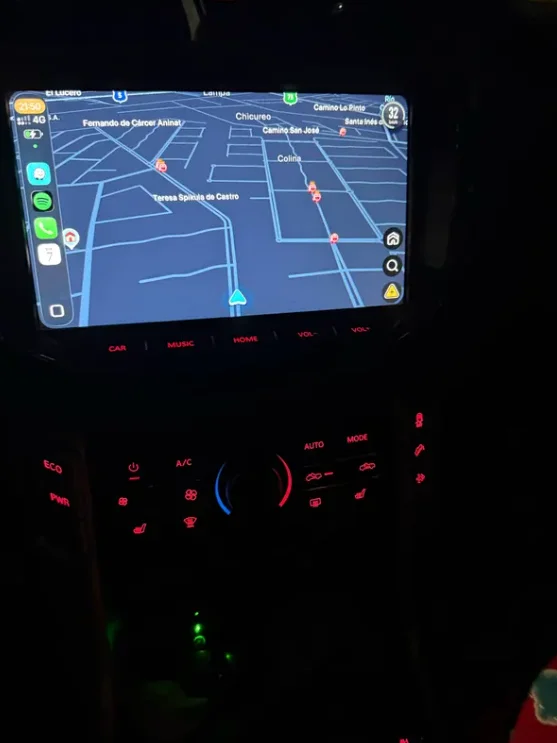
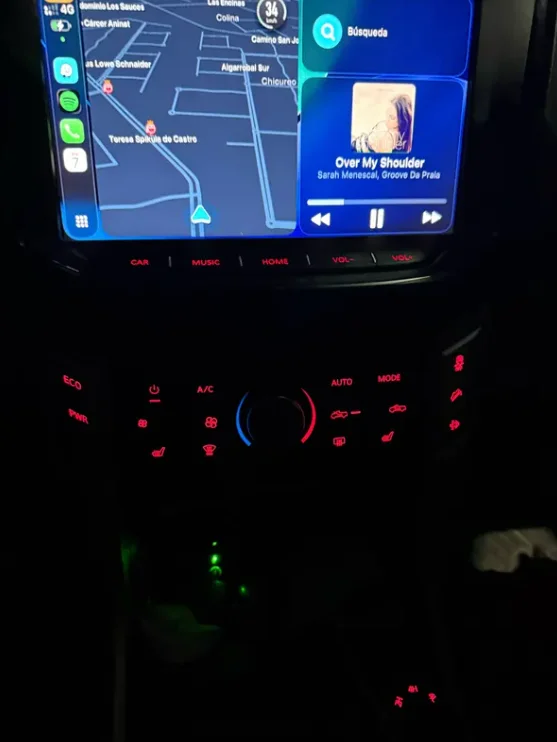
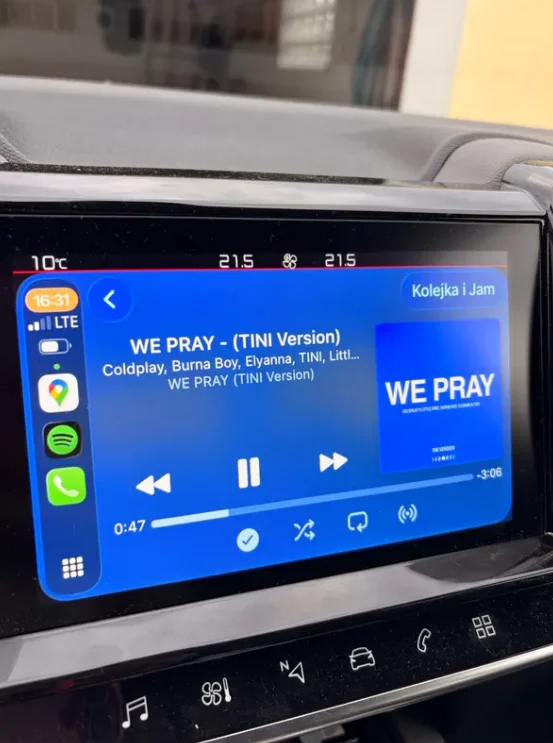
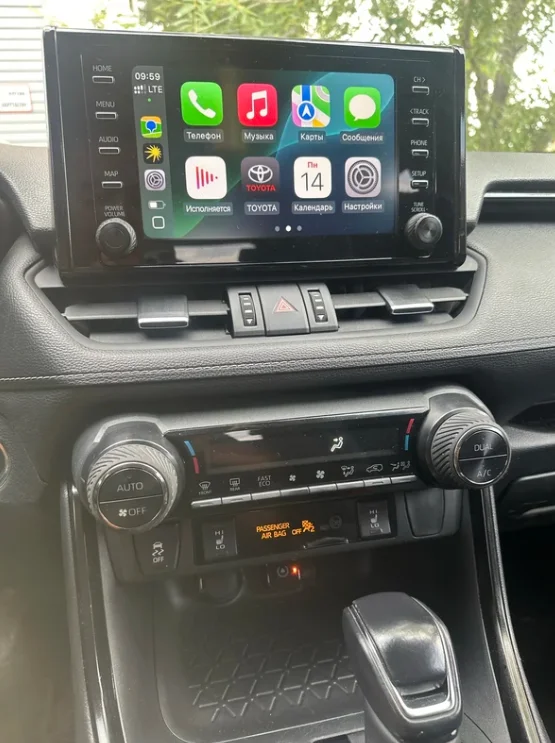
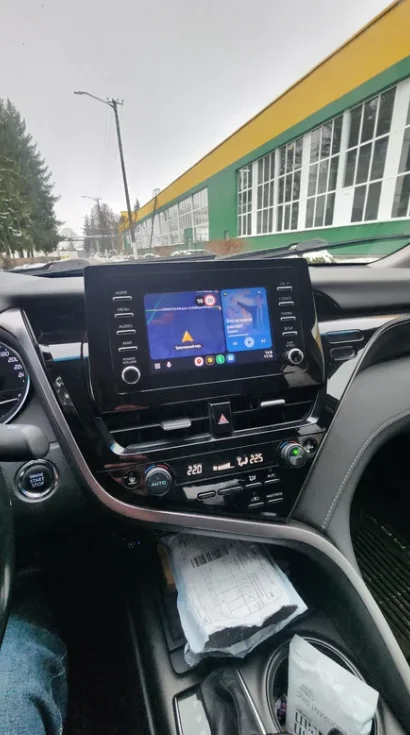
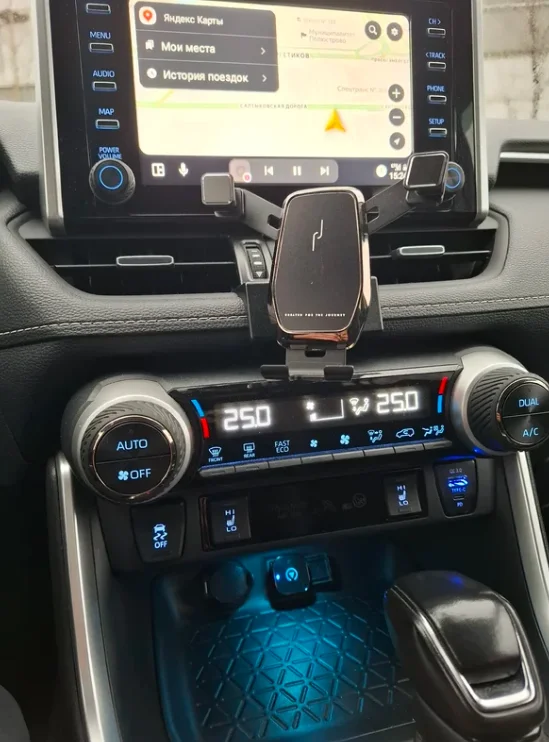
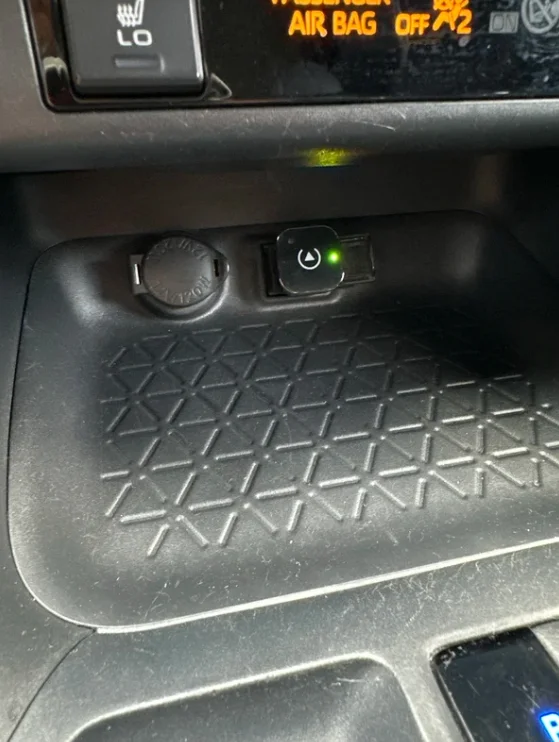
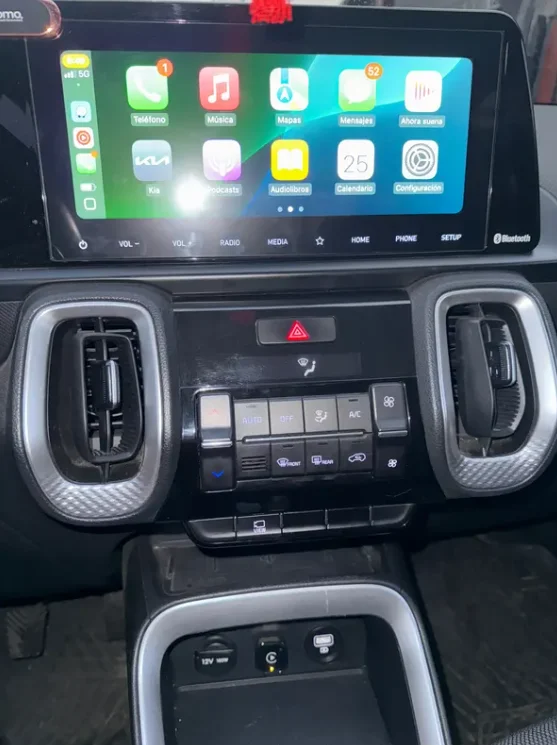
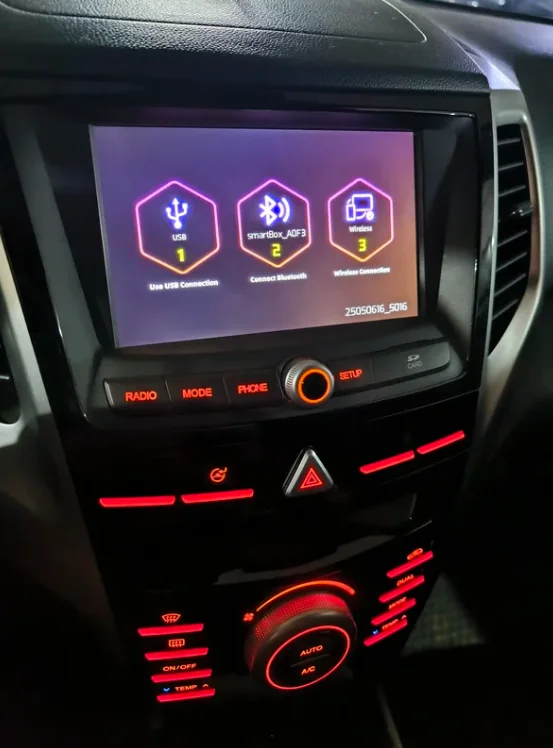
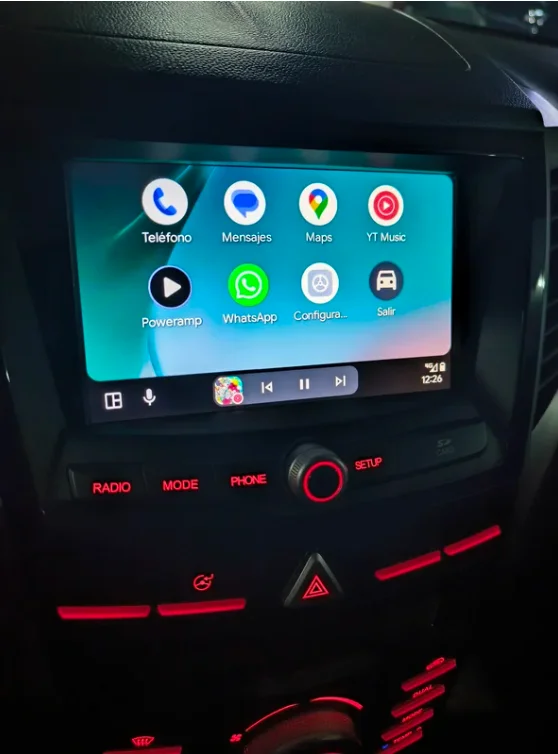
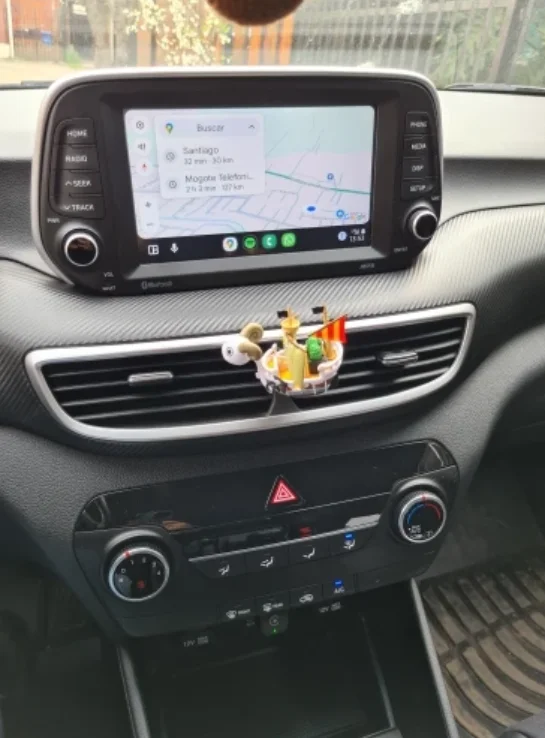
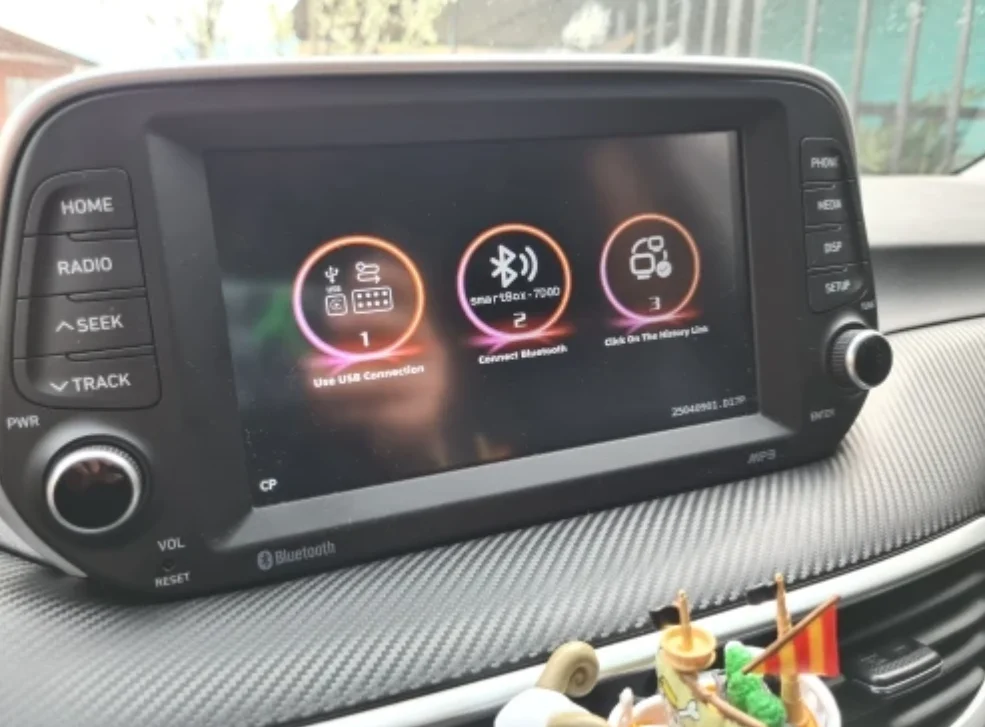
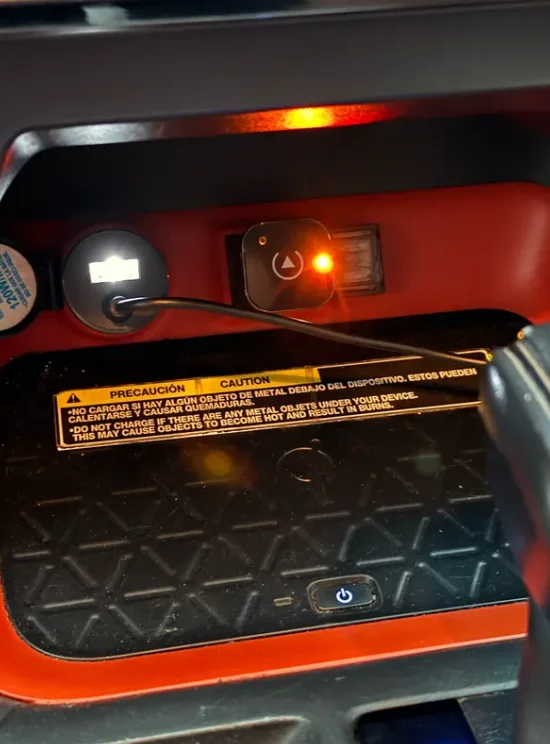
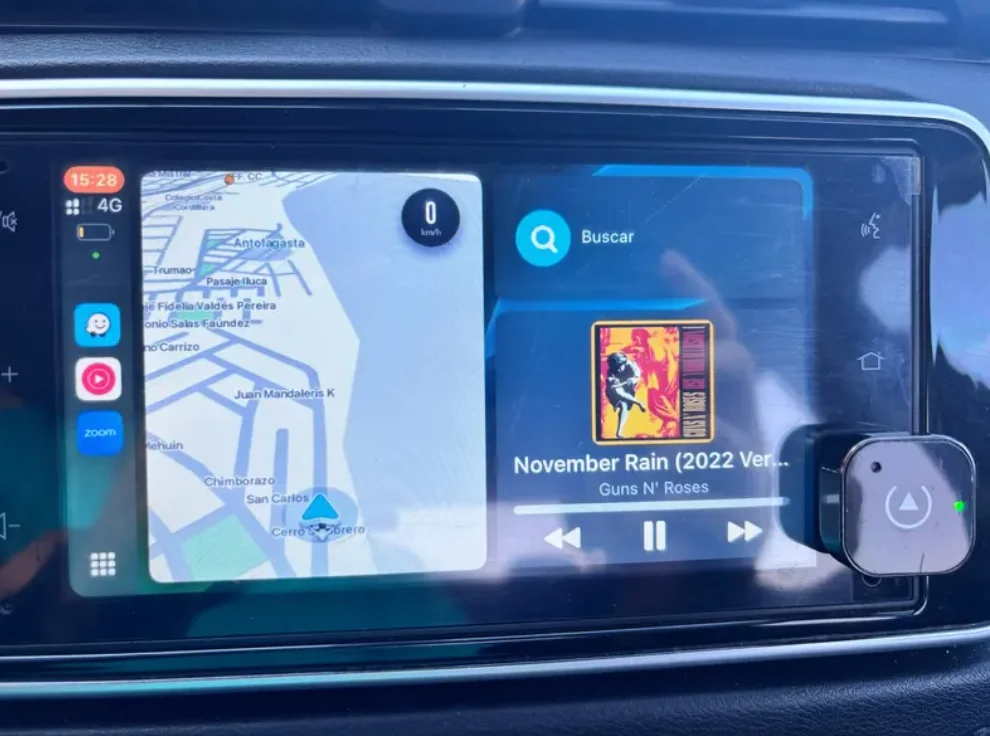
Turn compatible factory wired CarPlay or Android Auto into a convenient wireless connection. This 2026 wireless adapter combines plug-and-play setup, automatic reconnection, USB and Type-C compatibility, premium heat-dissipating construction, and broad vehicle compatibility in one compact design.
Leave the Cable Behind Every Time You Drive
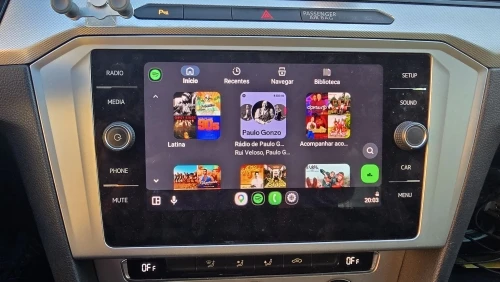
Connect once, then enjoy a cleaner and more convenient driving experience. After the first successful pairing, the adapter can automatically reconnect when you return to your vehicle, so you can access navigation, calls, music, Siri, and other supported CarPlay or Android Auto functions without plugging in your phone each time.
Simply keep Wi-Fi and Bluetooth enabled on your phone, start the vehicle, and enjoy wireless connectivity with less cable clutter inside your cabin.
Why Choose This Wireless CarPlay & Android Auto Adapter?
Wireless Freedom
Convert a compatible factory wired CarPlay or Android Auto connection into wireless access and reduce unnecessary phone cables inside your vehicle.
Automatic Reconnection
Complete the initial pairing once. Afterward, the adapter is designed to reconnect automatically when you enter and start the vehicle.
Fast Plug & Play Setup
No additional app is required. Connect the adapter to the supported USB or Type-C interface and follow the pairing process on your phone and vehicle display.
Premium Materials
A high thermal-conductivity titanium-alloy housing helps dissipate heat, while the scratch-resistant tempered-glass surface gives the adapter a refined and modern appearance.
Stable Wireless Performance
Designed for low-latency wireless transmission to support responsive navigation, calls, music, and other compatible in-car functions.
Wi-Fi + Bluetooth Wireless Connection
The adapter uses Wi-Fi and Bluetooth connectivity to establish the wireless link between your phone and the vehicle's supported CarPlay or Android Auto system.
Once the first connection is completed successfully, future connections are designed to happen automatically when you return to the vehicle with Wi-Fi and Bluetooth enabled.
Broad Vehicle Compatibility
The adapter has been tested across more than 1000 car models and is designed for broad compatibility with vehicles equipped with supported factory wired CarPlay or Android Auto systems.
Important Compatibility Notice
Your vehicle must already support the corresponding factory wired CarPlay or Android Auto function. This adapter cannot add CarPlay or Android Auto to a vehicle that does not already support it.
According to the current product compatibility information, it is not compatible with BMW, Tesla, Jeep Compass, Honda Civic, Toyota Corolla, or vehicles without CarPlay functionality.
Quick Installation Guide
Step 1 - Confirm Compatibility
Make sure your vehicle already supports the corresponding factory wired CarPlay or Android Auto function.
Step 2 - Connect the Adapter
Plug the adapter into the vehicle's supported USB port. Use the included USB-C adapter when connecting to a compatible Type-C interface.
Step 3 - Enable Wireless Functions
Turn on Wi-Fi and Bluetooth on your phone.
Step 4 - Complete the First Pairing
Follow the connection prompts on your phone and vehicle display until the wireless connection is established successfully.
Step 5 - Enjoy Automatic Reconnection
After the initial setup, keep Wi-Fi and Bluetooth enabled. The adapter is designed to reconnect automatically on future drives.
Troubleshooting Guide
The adapter does not connect
Confirm that the vehicle already supports the required factory wired CarPlay or Android Auto function. Also verify that Wi-Fi and Bluetooth are enabled on your phone.
The adapter does not reconnect automatically
Make sure the initial pairing has been completed successfully and that Wi-Fi and Bluetooth remain enabled when entering the vehicle.
My vehicle is not recognized
Check the compatibility notice carefully. The current product information specifically lists BMW, Tesla, Jeep Compass, Honda Civic, Toyota Corolla, and vehicles without CarPlay support as incompatible.
Firmware update appears
The adapter supports automatic firmware upgrades. Allow the supported update process to complete before resuming normal use.
Frequently Asked Questions
1. What does a wireless CarPlay adapter do?
It converts a compatible factory wired CarPlay connection into a wireless connection, allowing your phone to connect without using a data cable every time you drive.
2. Does this adapter support both CarPlay and Android Auto?
Yes. The product is designed to support compatible factory wired CarPlay and Android Auto systems.
3. Does my car need wired CarPlay or Android Auto first?
Yes. Your vehicle must already support the corresponding factory wired function. The adapter converts an existing wired system to wireless rather than adding CarPlay or Android Auto to an unsupported vehicle.
4. How do I connect the wireless CarPlay adapter?
Plug it into the supported vehicle USB or Type-C interface, enable Wi-Fi and Bluetooth on your phone, and complete the initial pairing process shown on your phone and vehicle display.
5. Does the adapter automatically reconnect?
Yes. After the first successful pairing, it is designed to reconnect automatically on future drives when Wi-Fi and Bluetooth are enabled.
6. Do I need to install an app?
No additional app is required for the standard connection process described in the current product information.
7. Does it work with USB-C vehicle ports?
Yes. A USB-C adapter is included for compatible Type-C vehicle interfaces.
8. How many car models are compatible?
The product information states that the adapter has been tested across more than 1000 car models, but compatibility still depends on the vehicle's original CarPlay or Android Auto system.
9. Which vehicles are not compatible?
The current compatibility information specifically lists BMW, Tesla, Jeep Compass, Honda Civic, Toyota Corolla, and vehicles without CarPlay functionality as incompatible.
10. Can I still use navigation, music, calls, and Siri?
The adapter is designed to provide wireless access to compatible functions available through your existing CarPlay system, including navigation, calls, music, and Siri.
11. How does the adapter manage heat?
Its housing uses high thermal-conductivity titanium-alloy material designed to improve heat dissipation while maintaining a compact premium appearance.
12. Does this wireless CarPlay adapter support firmware updates?
Yes. Automatic firmware upgrading is listed as a supported product feature.
13. Is the adapter waterproof?
No waterproof or IP rating is specified in the current product information. Do not assume waterproof performance.
14. What should I check if the adapter will not connect?
First confirm that your vehicle supports the required factory wired CarPlay or Android Auto function. Then verify that the adapter is connected correctly and that Wi-Fi and Bluetooth are enabled on your phone.
15. What warranty and support are provided?
The current product information specifies a 12-month warranty and 24/7 customer service support.
Related Product Suggestions
For internal cross-selling, consider linking this page to relevant USB/Type-C in-car connectivity accessories available in your store.
Only add specific product links after confirming those products are currently available and compatible.
Helpful Reading
Suggested internal article: How to Convert Wired CarPlay to Wireless
Suggested internal article: Wireless CarPlay Adapter Compatibility Guide
Suggested internal article: Wired vs Wireless CarPlay - What Changes?