


MALIIGAZA Official Store
2-in-1 Wireless CarPlay & Android Auto Adapter with Auto-Connect, 5GHz WiFi, Bluetooth 5.0 & RGB Sound-Sync Light
2-in-1 Wireless CarPlay & Android Auto Adapter with Auto-Connect, 5GHz WiFi, Bluetooth 5.0 & RGB Sound-Sync Light
Available offer
Carplay30OFF
Limited Time Discount, 30% off use the discount code.
Enter at checkout. Eligibility and discount combinations are confirmed at checkout.
Impossibile caricare la disponibilità di ritiro
Make Wired CarPlay Wireless - Automatically
Upgrade a vehicle with factory wired CarPlay or Android Auto to a cleaner wireless experience. Connect once, keep WiFi and Bluetooth enabled, and the compact adapter can reconnect automatically when you return to the car.
Leave the Data Cable Behind
Navigation, music, calls, Siri, Google Assistant and other supported CarPlay or Android Auto functions should not require plugging your phone into a cable every time you drive.
This 2-in-1 wireless adapter converts a compatible factory wired system into a wireless connection for supported iPhone and Android devices while keeping the familiar in-car interface you already use.
Why Upgrade to Wireless?
Cable-Free Daily Driving
Keep your phone in your pocket, bag or preferred charging location instead of connecting a data cable for every trip.
Automatic Reconnection
After the first successful pairing, the adapter is designed to reconnect automatically when the vehicle starts.
iPhone + Android Support
One compact device supports compatible Apple CarPlay and Android Auto systems.
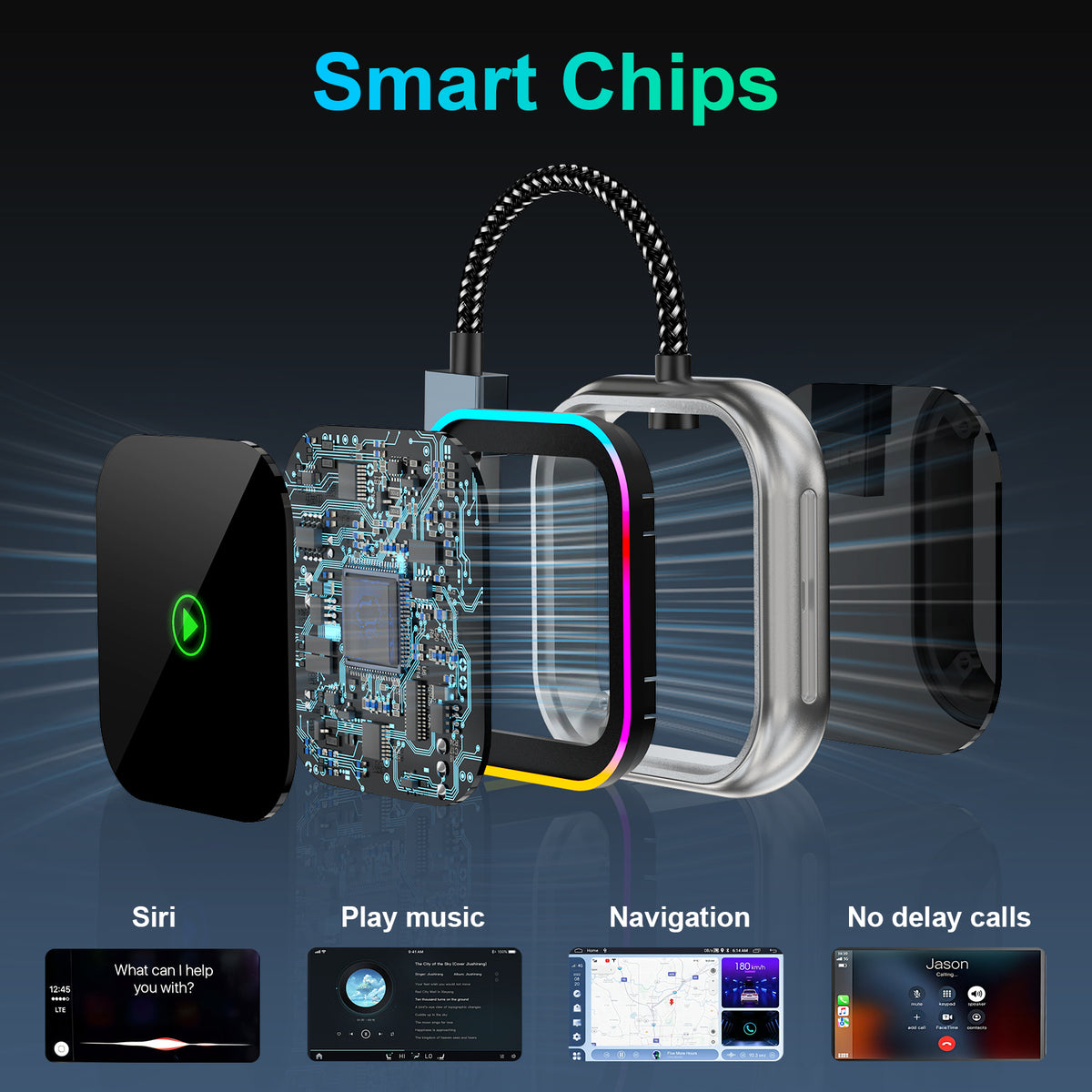
RGB Music Ambience
The built-in LED light ring can respond to music, giving the adapter a distinctive visual effect inside the vehicle.
Designed for a Smarter In-Car Experience
2-in-1 Wireless CarPlay & Android Auto
Use the same adapter with supported iPhone and Android devices. Once connected, you can access compatible navigation, music, voice assistant and hands-free calling functions through your vehicle's existing CarPlay or Android Auto system.
5GHz WiFi + Bluetooth 5.0
The adapter combines 5GHz WiFi and Bluetooth 5.0 connectivity to provide a responsive wireless link for navigation, music streaming, calls and everyday CarPlay or Android Auto use.
Connect Once, Reconnect Automatically
Complete the initial pairing with WiFi and Bluetooth enabled. After successful setup, the adapter is designed to reconnect automatically on future trips when the vehicle and phone are ready.
Music-Reactive RGB Light Ring
A built-in LED light ring adds a modern visual element to your center console. The lighting can respond to music for a dynamic in-car atmosphere.
Tempered-Glass Surface
The compact housing features a stylish tempered-glass surface designed to resist everyday scratches while maintaining a clean, premium appearance inside the vehicle.
Vehicle & Phone Compatibility
Vehicle requirement: Your vehicle must already have factory wired Apple CarPlay and/or wired Android Auto.
Vehicle year: Designed primarily for compatible 2016+ vehicles.
iPhone: iOS 10 or later according to the supplied product specification.
Android: Android 11 or later according to the supplied product specification.
Important: A USB port alone does not confirm compatibility. The USB port must support the vehicle's original wired CarPlay or Android Auto function.
Check Compatibility Before Ordering
This adapter cannot add CarPlay or Android Auto to a vehicle that does not already have a compatible factory wired system.
The supplied product information also identifies compatibility exceptions among certain BMW, Tesla, Jeep Compass, Honda Civic and Toyota Corolla models. Please confirm your vehicle's original system before purchase.
Ideal for Everyday Driving
Get into the car and reconnect without repeatedly plugging in a phone cable.
Use supported navigation apps through the familiar CarPlay or Android Auto interface.
Stream supported audio services wirelessly while the RGB ring adds extra ambience.
Continue using supported Siri or Google Assistant functions through your vehicle system.
Technical Specifications
| Product Type | 2-in-1 Wireless CarPlay / Android Auto Adapter |
| Primary Function | Converts compatible factory wired CarPlay / Android Auto to wireless operation |
| Wireless Connection | 5GHz WiFi + Bluetooth 5.0 |
| iPhone Requirement | iOS 10 or later |
| Android Requirement | Android 11 or later |
| Vehicle Requirement | Factory wired CarPlay and/or Android Auto |
| Recommended Vehicle Years | Compatible 2016+ vehicles |
| Auto Reconnect | Yes, after initial successful pairing |
| Ambient Lighting | Built-in RGB music-responsive LED light ring |
| Surface | Tempered-glass exterior surface |


Package Includes
- 1 x Wireless CarPlay / Android Auto Adapter
- USB-C adapter as supplied with this model
- Please refer to the selected product package or listing images for the exact included accessories.
Quick Installation Guide
- Confirm compatibility. Verify that your vehicle already supports wired CarPlay or wired Android Auto.
- Start the vehicle. Allow the original infotainment system to finish loading.
- Connect the adapter. Plug it into the vehicle USB port normally used for wired CarPlay or Android Auto.
- Enable Bluetooth and WiFi. Keep both functions switched on on your phone.
- Complete the first pairing. Select the adapter when prompted and approve the necessary connection requests.
- Drive wirelessly. After successful first-time pairing, the adapter is designed to reconnect automatically during future vehicle starts.
Troubleshooting Guide
The adapter does not start CarPlay or Android Auto
Confirm that you are using the same vehicle USB port that operates wired CarPlay or Android Auto. A charging-only USB port will not provide the required connection.
My phone cannot find the adapter
Make sure Bluetooth and WiFi are enabled. Remove an incomplete previous pairing if necessary, reconnect the adapter and restart the pairing process.
It does not reconnect automatically
Confirm that Bluetooth and WiFi remain enabled on the phone and that the original successful pairing has not been removed from your phone or vehicle.
My vehicle has a USB port but the adapter does not work
USB availability alone is not enough. The vehicle must already support factory wired Apple CarPlay or Android Auto through that USB connection.
Important Notes Before Purchase
- This product converts an existing wired CarPlay or Android Auto system to wireless operation. It does not add CarPlay or Android Auto to an unsupported vehicle.
- Confirm that your vehicle's original USB connection supports wired CarPlay and/or Android Auto.
- Vehicle compatibility can vary by year, trim level, region and infotainment system.
- The supplied product information identifies compatibility exceptions among certain BMW, Tesla, Jeep Compass, Honda Civic and Toyota Corolla models.
- Vehicles produced before 2016 are listed as unsupported in the supplied product information.
- Keep both WiFi and Bluetooth enabled when using the wireless connection.
Frequently Asked Questions
1. What does a wireless CarPlay adapter do?
It converts a compatible vehicle's existing wired CarPlay connection into a wireless connection so you do not need to connect your iPhone with a data cable every trip.
2. Does this adapter also support Android Auto?
Yes. This is a 2-in-1 model designed for compatible wired Apple CarPlay and Android Auto systems.
3. Can this adapter add CarPlay to a car that does not have CarPlay?
No. Your vehicle must already have a factory wired CarPlay or Android Auto system.
4. How do I know if my car is compatible?
Connect your phone to the vehicle with its normal data cable. If wired CarPlay or Android Auto operates through that USB port, the vehicle meets the basic system requirement. Model-specific compatibility can still vary.
5. Does it connect automatically when I start the car?
After the first successful pairing, the adapter is designed to reconnect automatically when the vehicle starts and your phone's WiFi and Bluetooth are enabled.
6. Do I need to install an app?
The supplied product information describes plug-and-play setup without requiring a separate app for normal connection.
7. Does wireless CarPlay use Bluetooth or WiFi?
This adapter uses Bluetooth 5.0 together with a 5GHz WiFi connection to establish and maintain compatible wireless CarPlay or Android Auto operation.
8. Can I still use Siri or Google Assistant?
Yes, supported voice assistant functions remain available through the compatible CarPlay or Android Auto system.
9. Can I use navigation and music wirelessly?
Yes. Compatible navigation, music streaming and other CarPlay or Android Auto functions can be accessed after the wireless connection is established.
10. What is the RGB light ring for?
The built-in RGB LED ring provides a decorative lighting effect and is designed to respond to music for a more dynamic in-car atmosphere.
11. Which iPhones are supported?
The supplied specification states support for compatible iPhones running iOS 10 or later, provided the vehicle itself has compatible wired CarPlay.
12. Which Android phones are supported?
The supplied specification states support for compatible Android devices running Android 11 or later with a compatible wired Android Auto vehicle system.
13. Will it work with every 2016 or newer vehicle?
No. A 2016+ model year alone does not guarantee compatibility. The vehicle must have a compatible factory wired CarPlay or Android Auto system, and some models can still be incompatible.
14. Why is my adapter not connecting through the USB port?
Make sure you are using the USB port that operates wired CarPlay or Android Auto. Some vehicle USB ports provide charging only.
15. Does the adapter support firmware updates?
The supplied product information states that the adapter supports OTA firmware updates intended to improve ongoing phone and vehicle compatibility.
Upgrade the CarPlay Experience You Already Have
Keep the familiar navigation, music, calls and voice control of your factory system while removing the need to plug your phone in every time you drive.
Related Products to Consider
- USB and USB-C vehicle connectivity accessories
- Car interior ambient lighting accessories
- Phone charging and in-car cable management accessories
Helpful Guides
- Wired vs Wireless CarPlay: What Is the Difference?
- How to Check Whether Your Car Supports Wireless CarPlay Adapters
- How to Convert Wired Android Auto to Wireless
- Wireless CarPlay Adapter Troubleshooting Guide


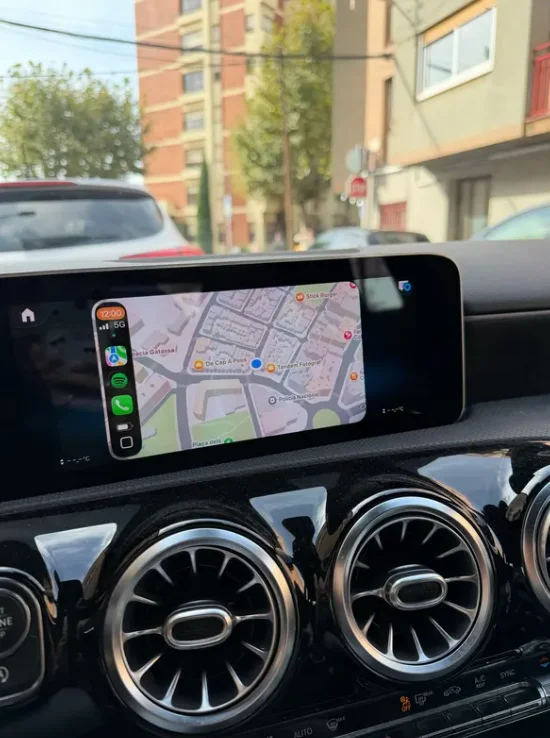
Shipping was much faster than expected. I received the package well before the estimated date.
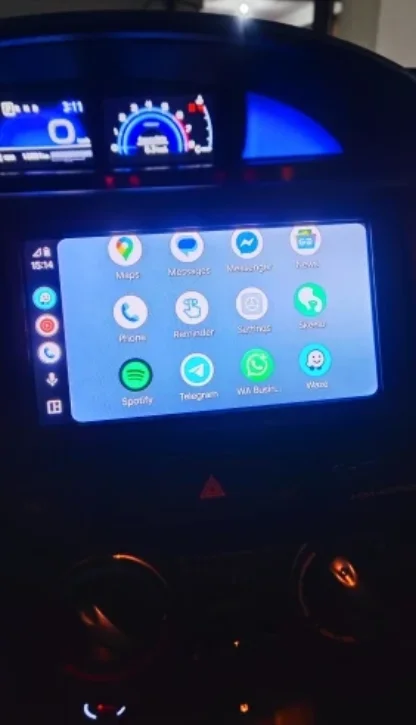
Customer service was responsive when i had a pre-purchase question. They answered within hours.

Works perfectly with my xiaomi phone. The integration is smooth and intuitive.
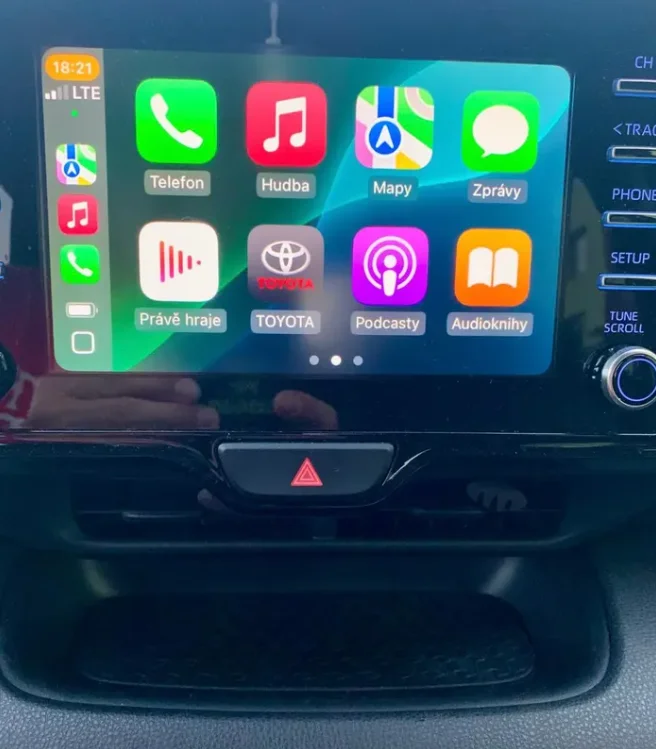
My commute is so enjoyable now. Having my familiar apps on the car screen is a game changer.
No noticeable lag when switching songs or using navigation. The response is impressively fast.
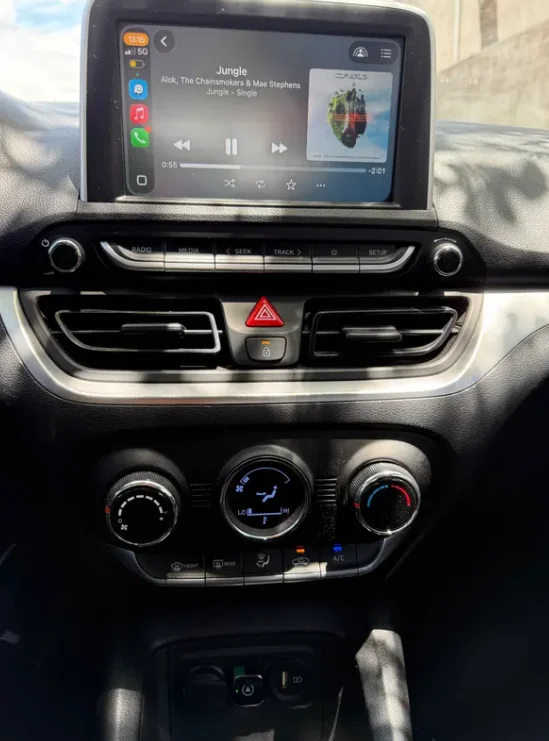
The compact design is perfect. It tucks away neatly without clogging up my car's space.
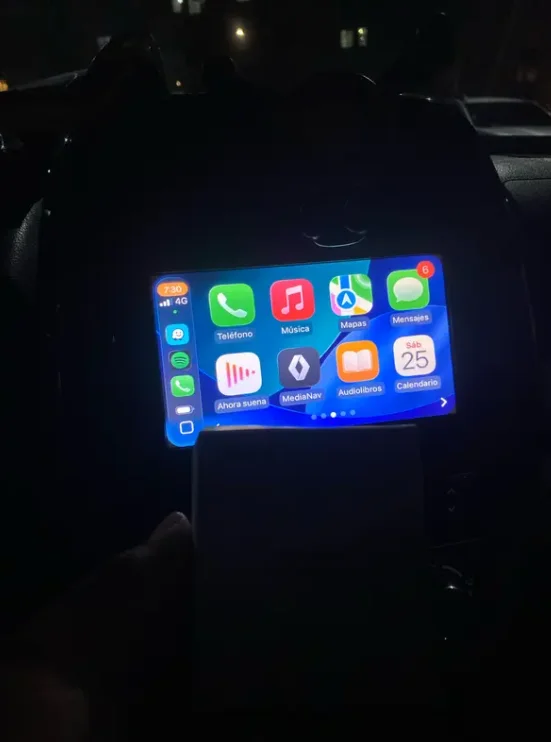
Worth every penny. It saved me hundreds compared to upgrading my car's built-in system.
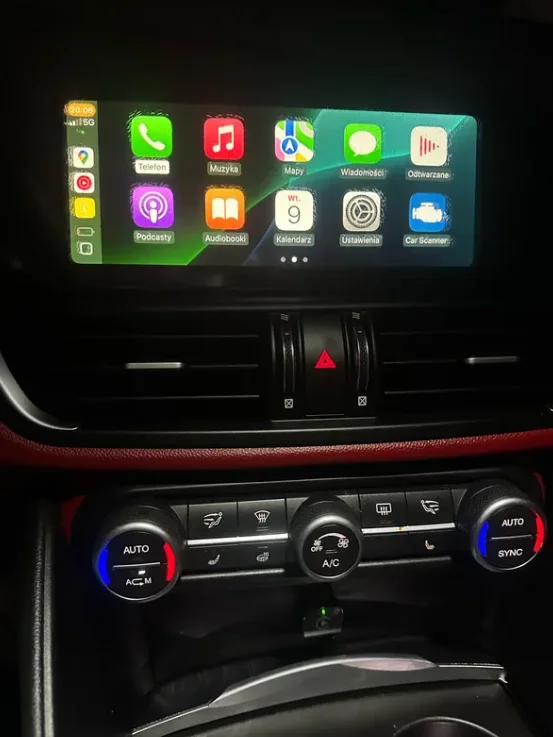
Build quality feels solid and durable. It doesn't feel cheap or flimsy at all.
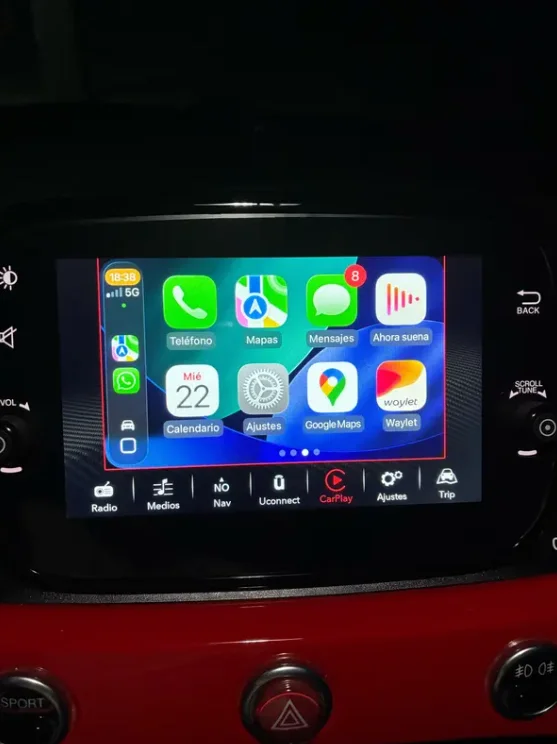
The auto-reconnect feature is brilliant. It connects as soon as i get in the car without any fuss.
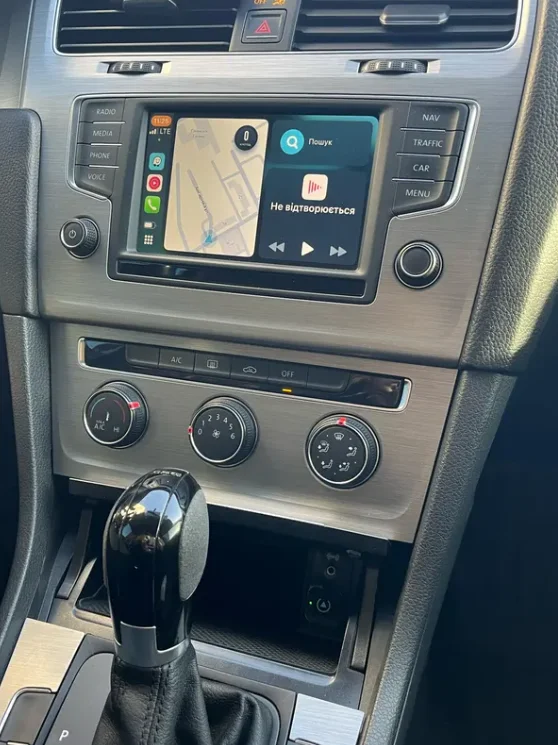
Plug and play installation took less than a minute. It recognized my phone immediately upon starting the car.
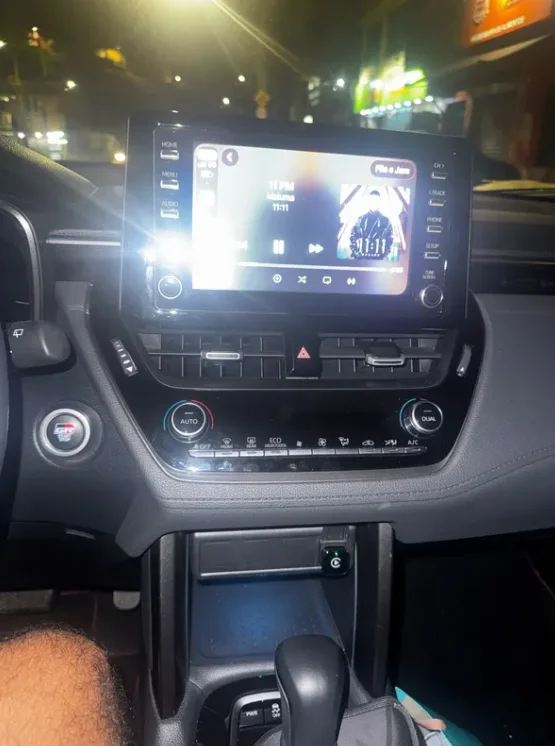
Incredibly stable connection using both carplay and android auto. No more frustrating drops like my old adapter.
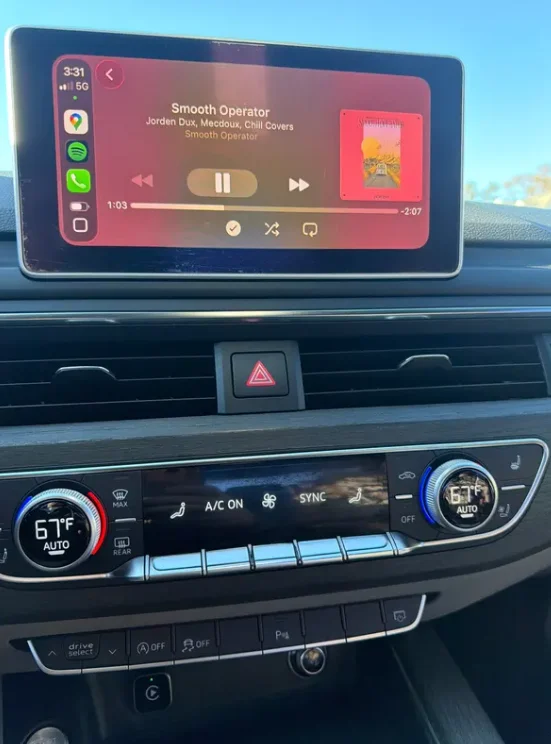
This adapter transformed my old car into a smart vehicle seamlessly. The setup was surprisingly quick and easy.
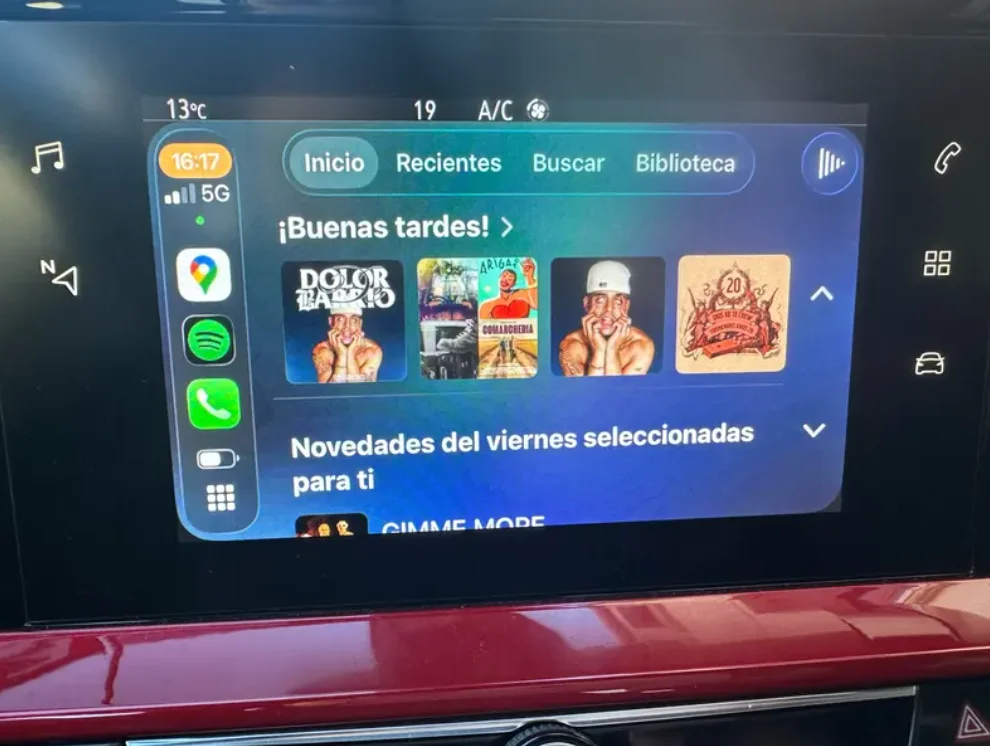
The 5ghz wifi makes a huge difference. Music and maps load instantly with crystal clear quality.
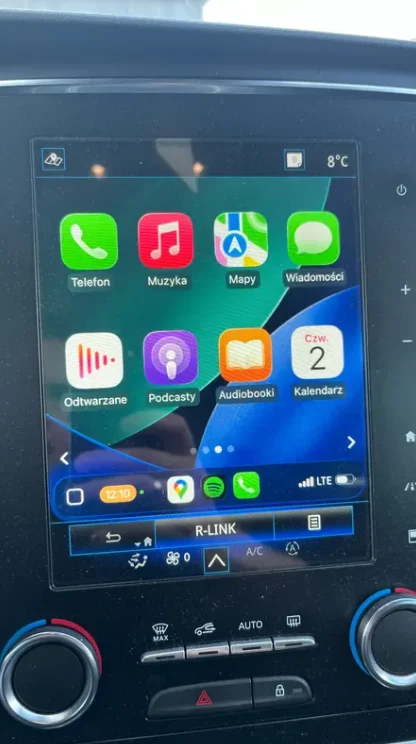
Excellent wireless carplay & android auto adapter – fast, smooth, and easy to use!
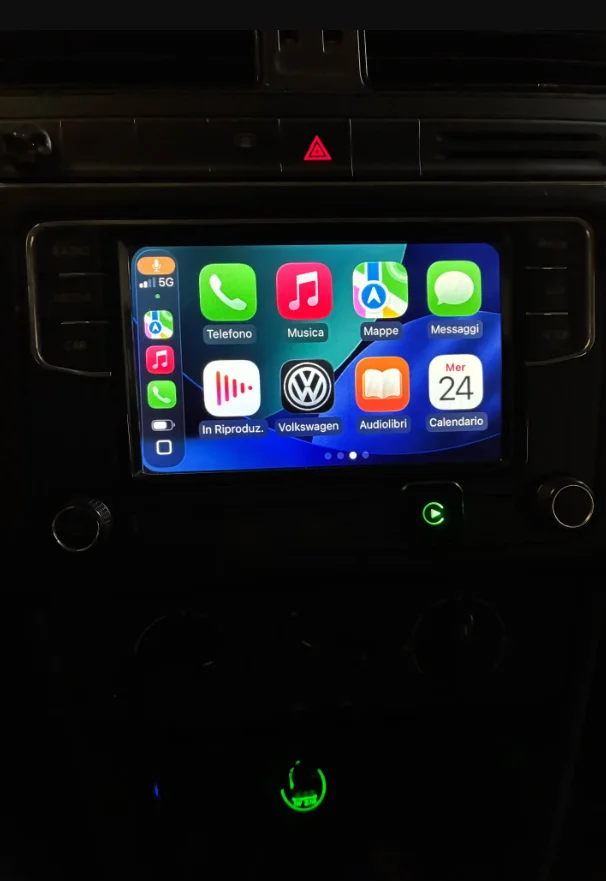
Installation is quick and it works perfectly with wireless carplay.
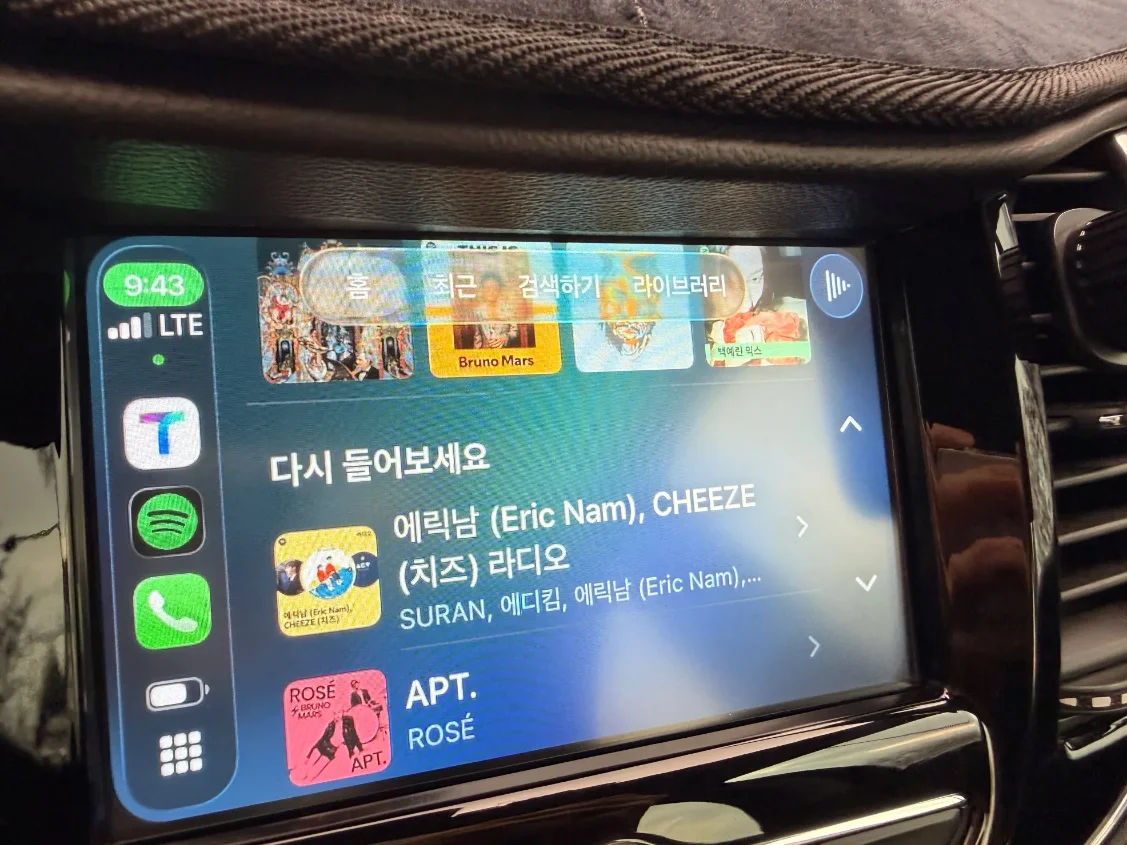
Very fast delivery and very well packaged.
Well manafaured and well finished.
Very happy with this product.
Regards tony
It connects very easily and is very useful because it also replaces the cable that comes loose or comes undone with any movement.
Voice commands work flawlessly through siri. Making calls and getting directions is now hands-free.
The package arrived securely with good protective packaging. No damage whatsoever.
Instructions were clear and straightforward, even for someone who isn't very tech-savvy.
The product description was accurate. It delivered exactly what was promised.
It has made my road trips so much better. Passengers can easily queue up music.
Very good product, works very well, especially the function of changing the phone when pressing the button.